Platform
- Platform OverviewCreate, personalize, and optimize interactive experiences
- EnterpriseSecurity, control, and scale for enterprise teams
- Data, Personalization & AnalyticsCapture data and improve performance with insights
- FeaturesExplore all capabilities to build and launch experiences
- IntegrationsConnect with your CRM and marketing tools
Services
BY USE CASE
- Lead Generation & QualificationCapture and qualify high-intent leads
- Product DiscoveryGuide users to the right product
- Interactive PromotionsBoost engagement with interactive campaigns
- Sales EnablementSupport sales with interactive tools
- Content MarketingTurn content into engaging experiences
- Customer EducationGuide users through interactive learning
BY INDUSTRY
- SaaS & TechnologyAccelerate product understanding and adoption
- Retail, eCommerce & Consumer GoodsDrive conversions and product discovery
- Healthcare, Life Sciences & PharmaceuticalsEducate and engage with compliant experiences
- Financial Services, Insurance & Real EstateBuild trust and simplify complex offerings
- Entertainment & MediaIncrease audience engagement
- ManufacturingSimplify products and capture qualified leads
LEARN
SUPPORT
COMPANY






Create Interactive Experiences With AI
Turn any idea into a fully editable Interactive Experience in minutes.
 No-CodeEnterprise-ReadyFully Customizable
See What AI Interactive Builder Can Create
Explore Interactive Experiences generated with AI and try them for yourself.
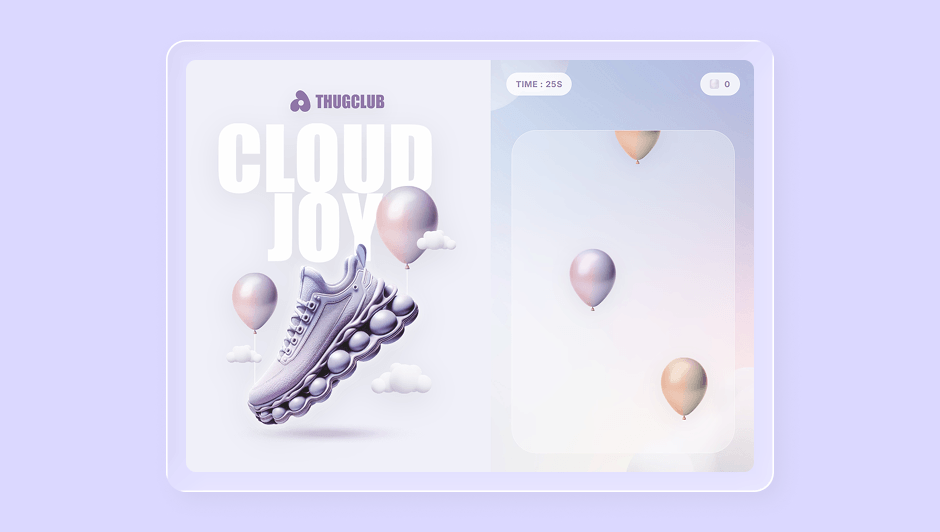
Balloon Pop
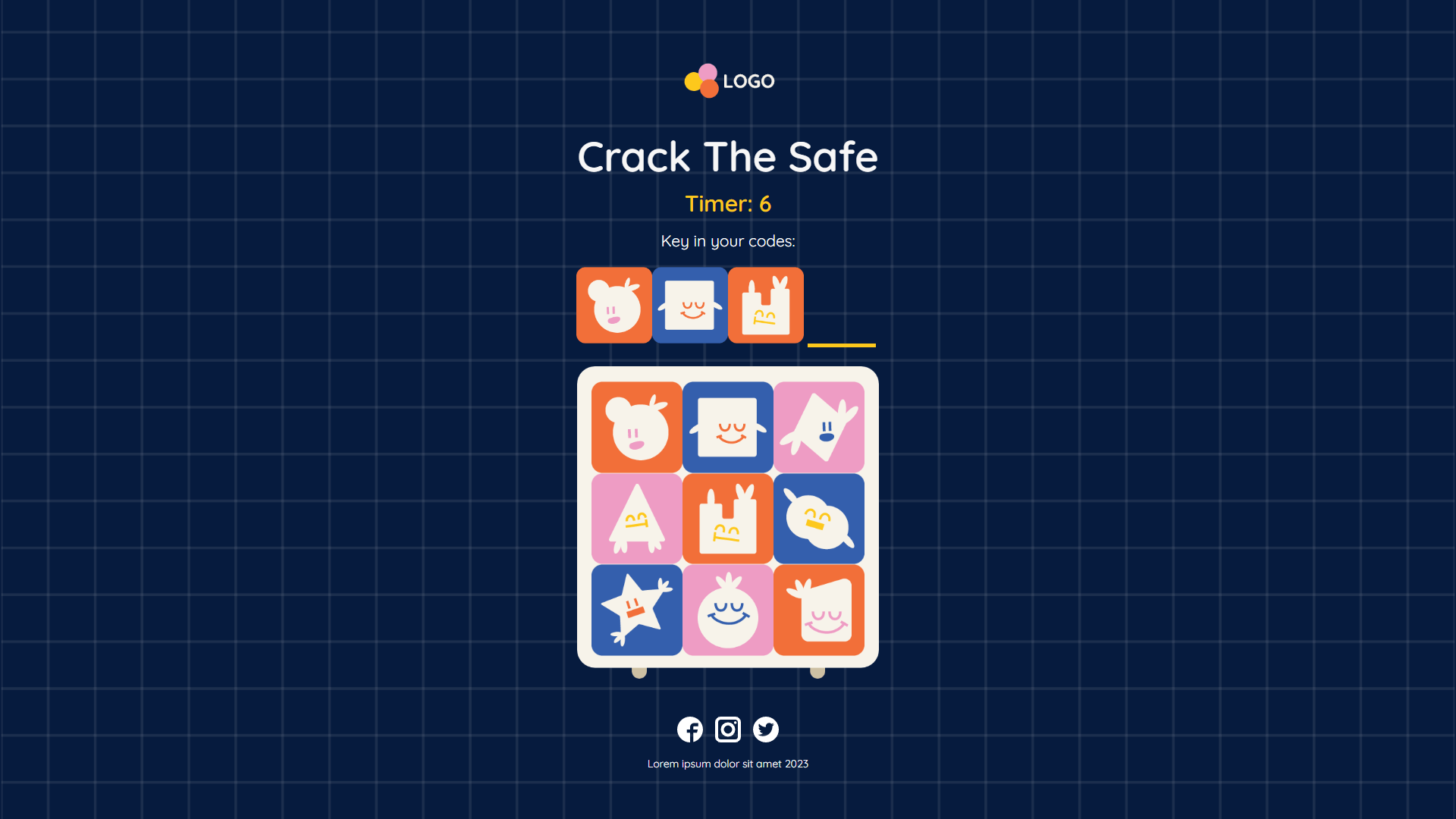
Crack the Safe

Fortune Cookies
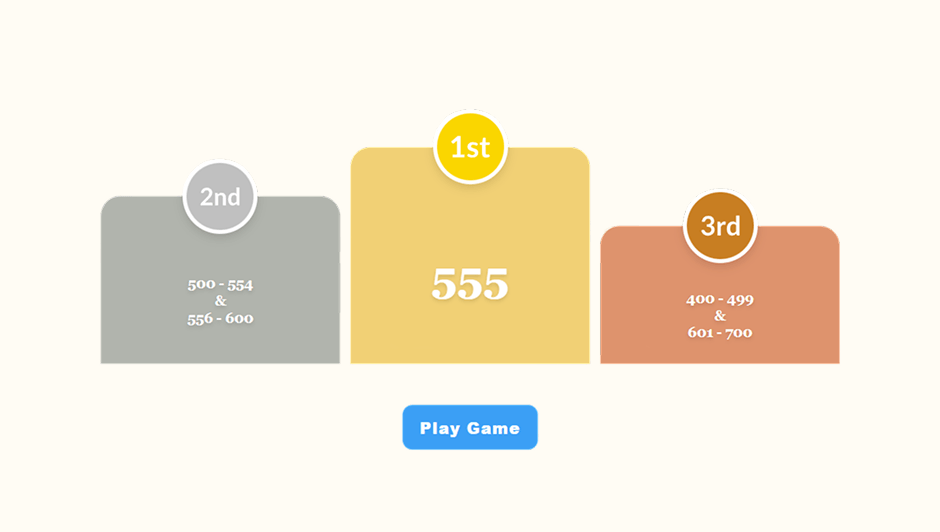
Hit the Number Game
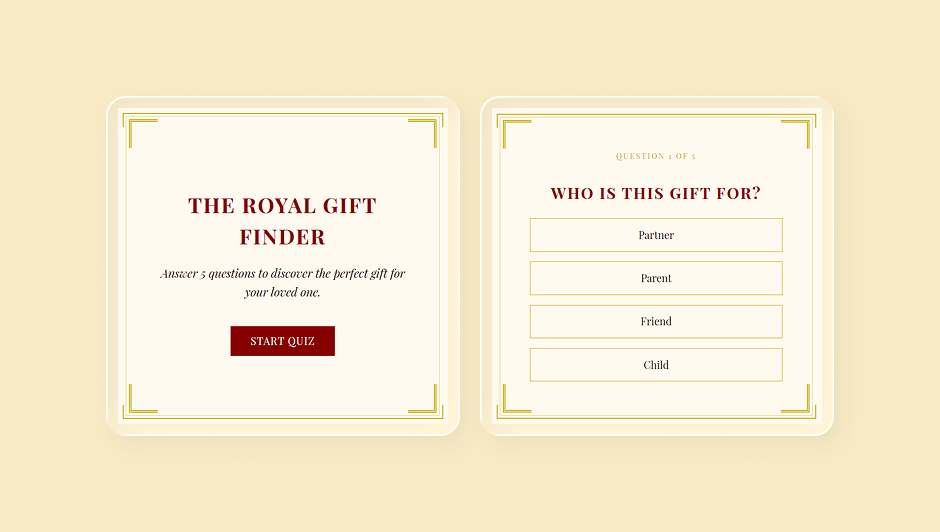
Branching Quiz
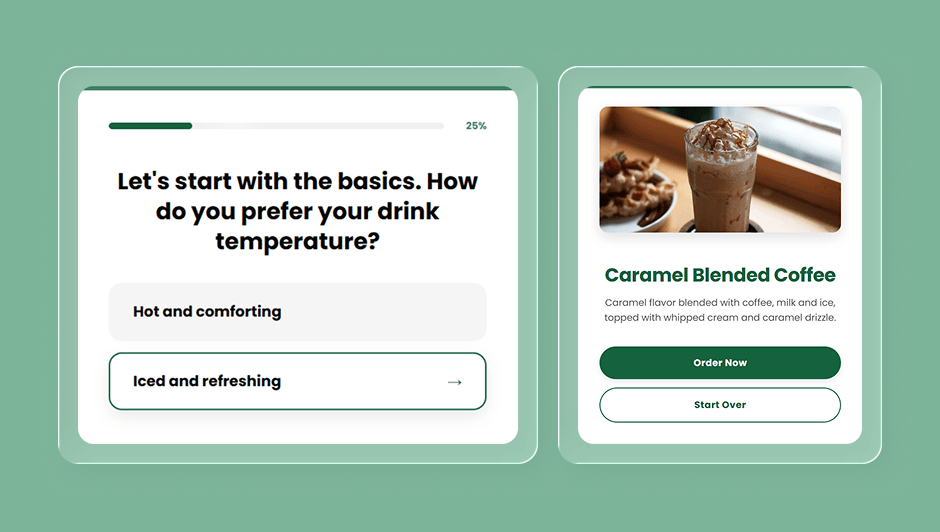
Quiz with Feedback
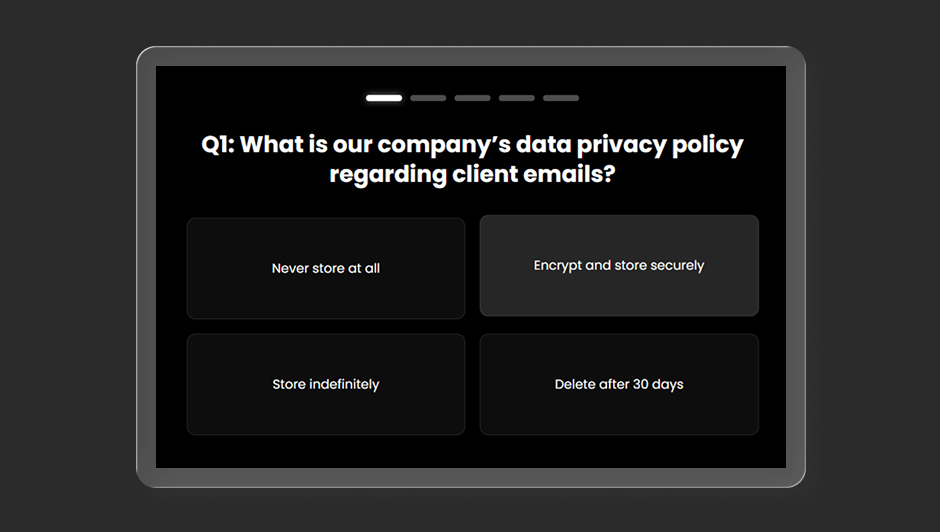
Quiz with Feedback
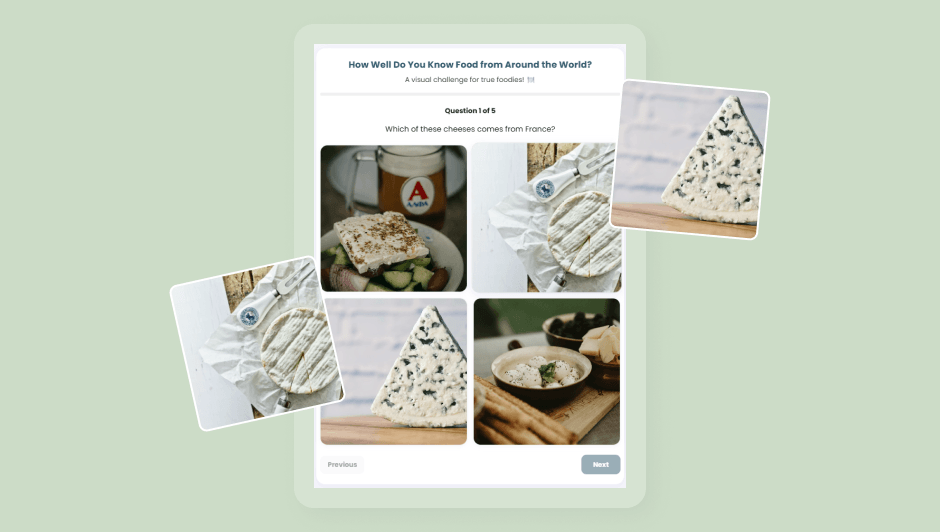
Image Based Quiz
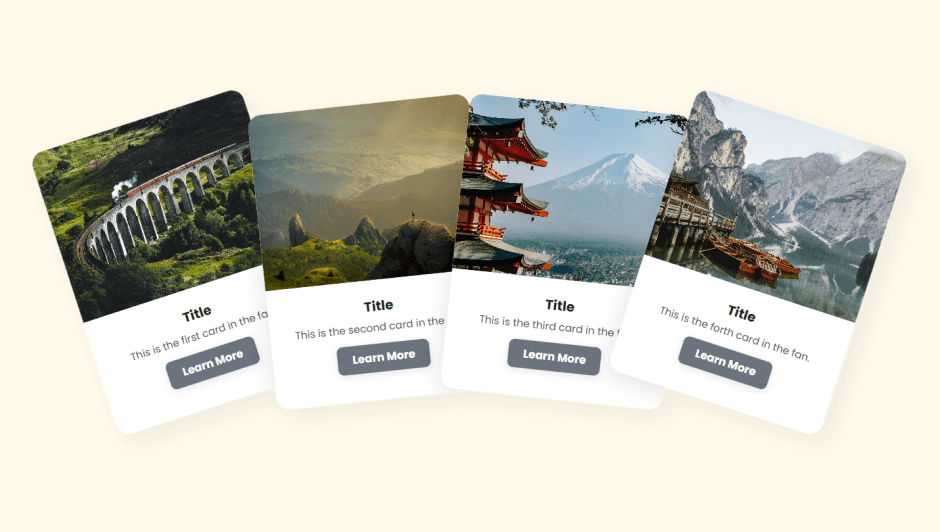
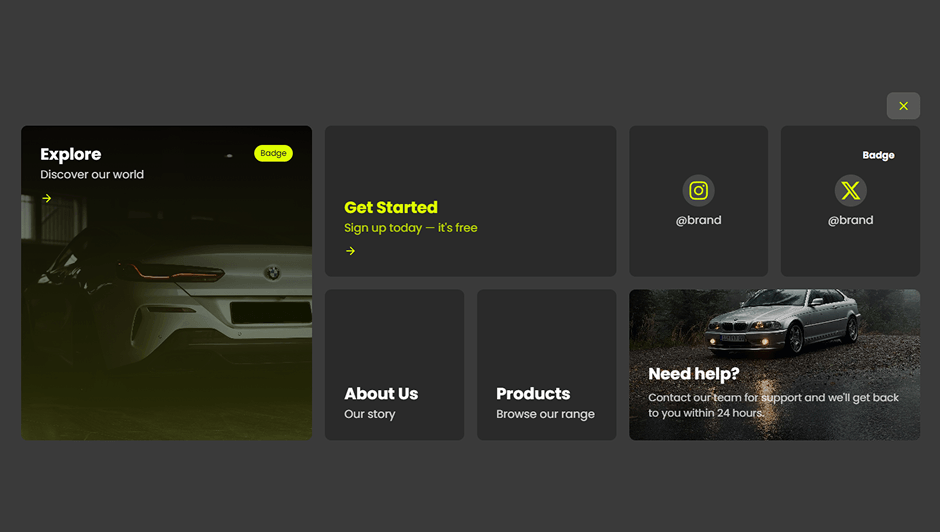
Feature Cards
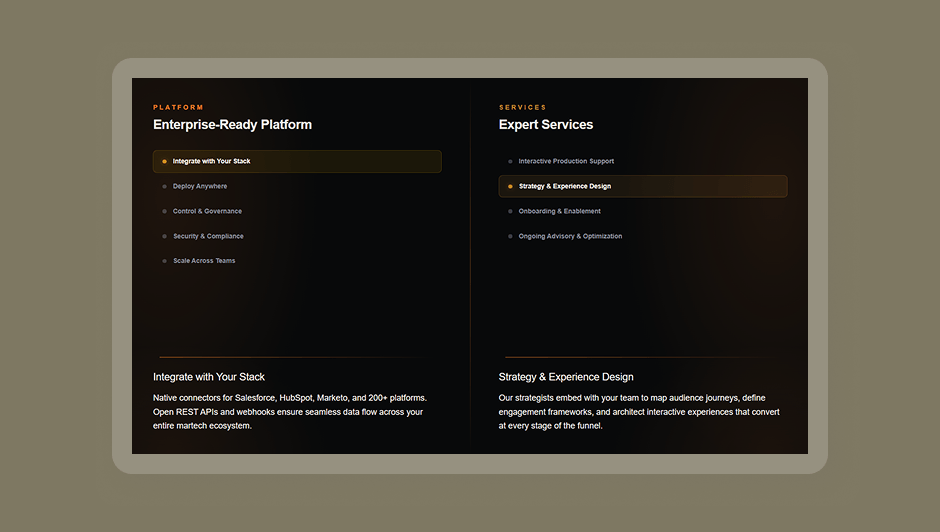
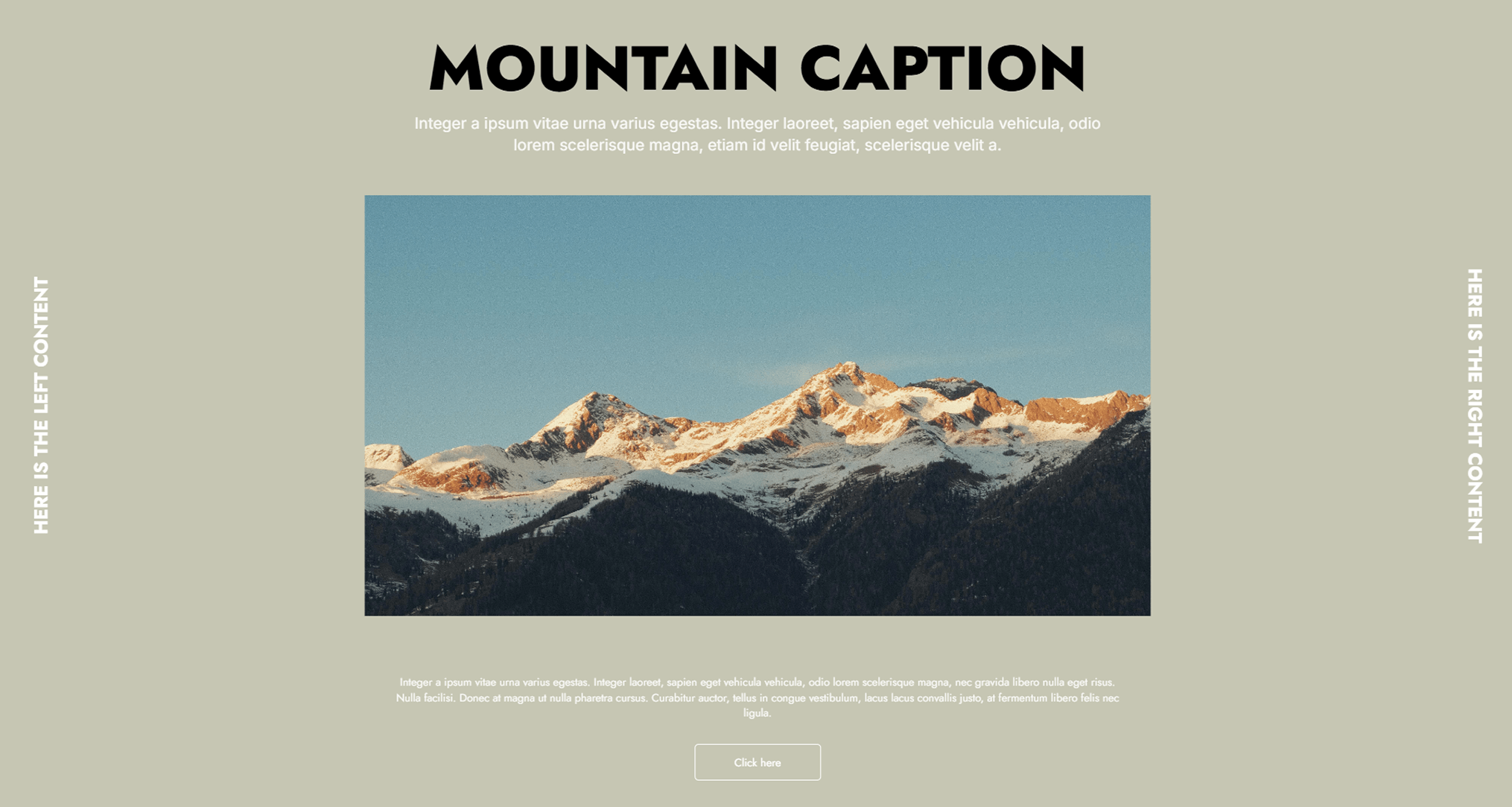
Split-Screen Comparison
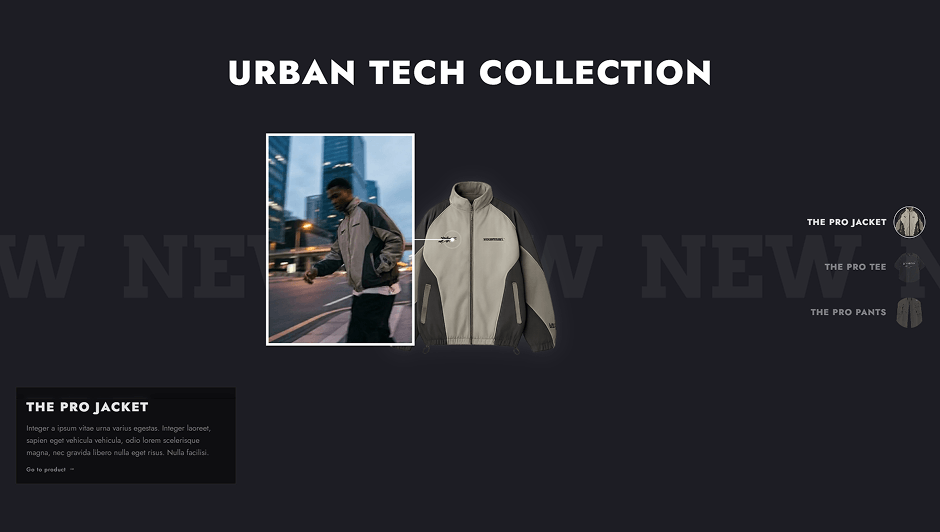
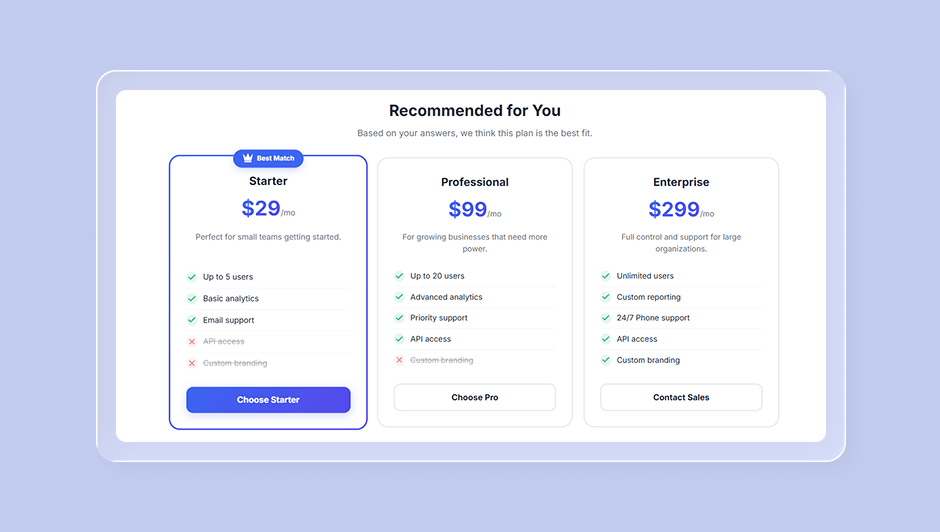
Interactive Product Showcase
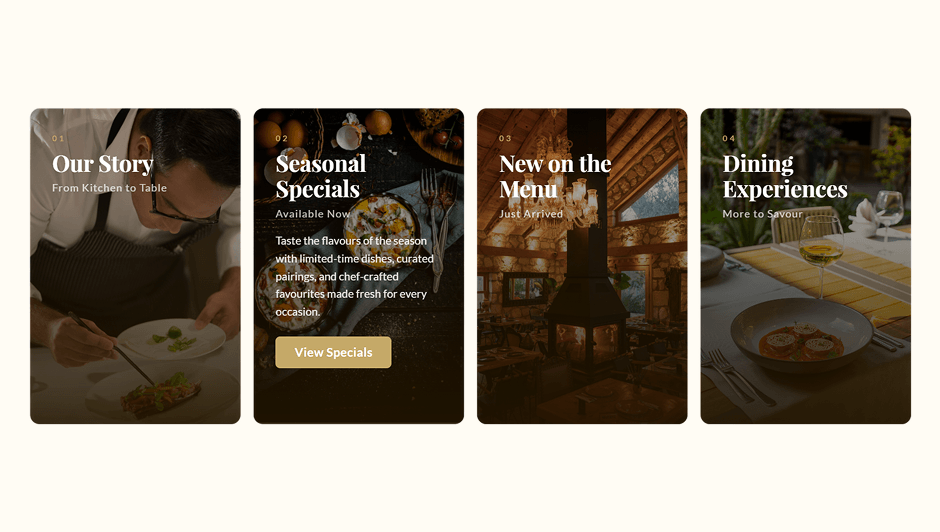
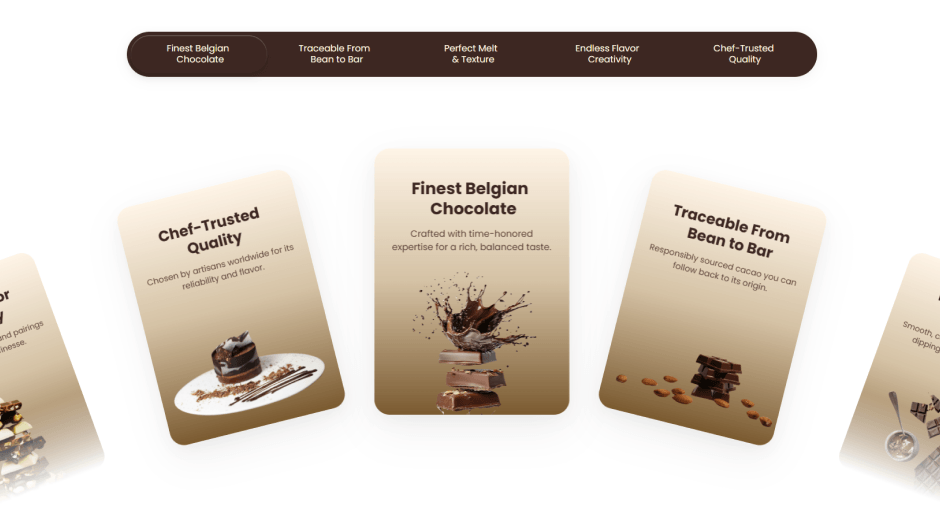
Engagement Cards

Before / After Image Slide
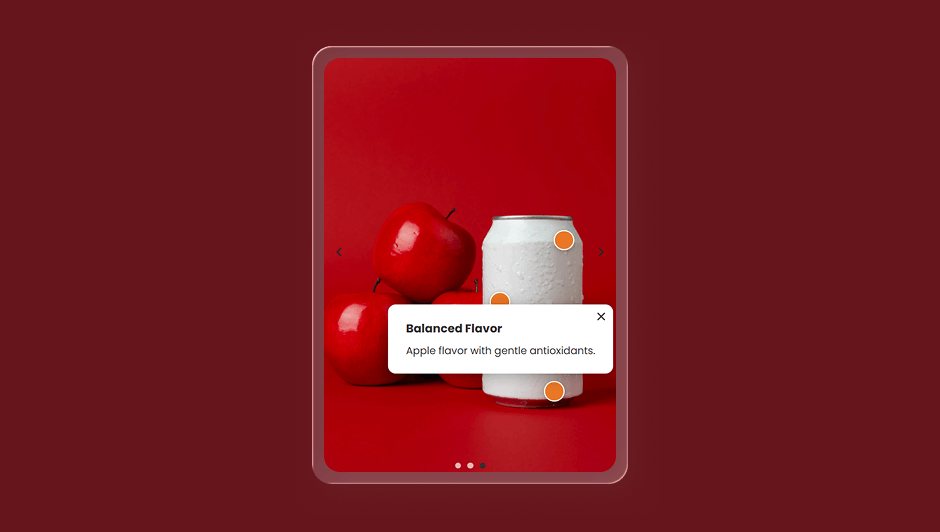
Image Carousel with Hotspots

Scratch Card

Image Reveal Transition
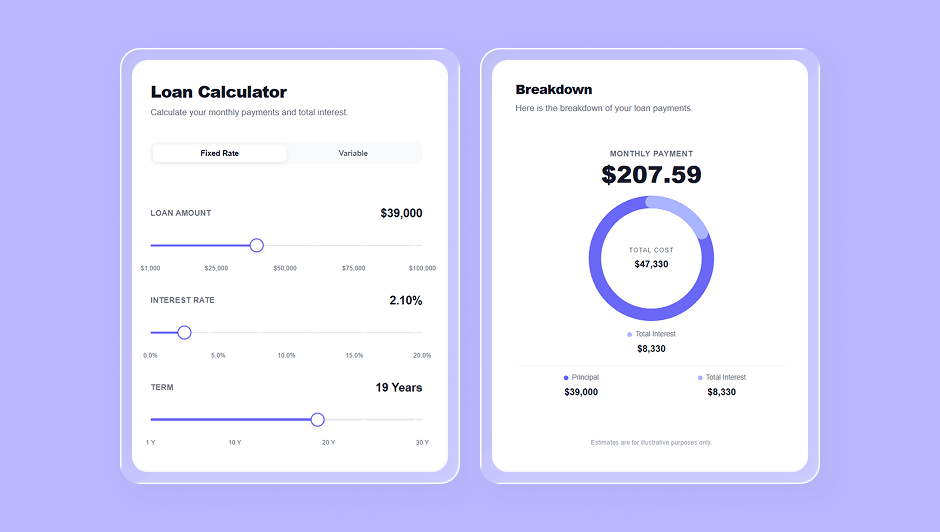
Interactive Loan Calculator
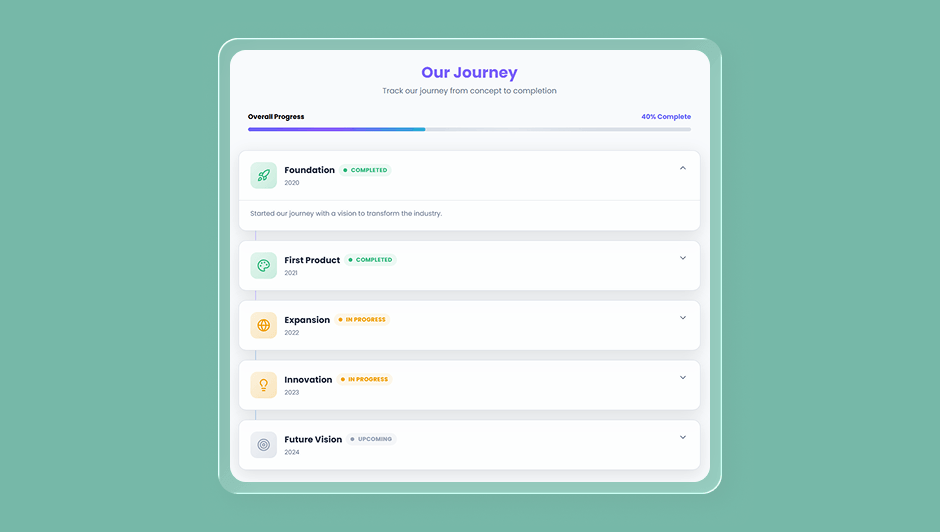
Milestone Tracker
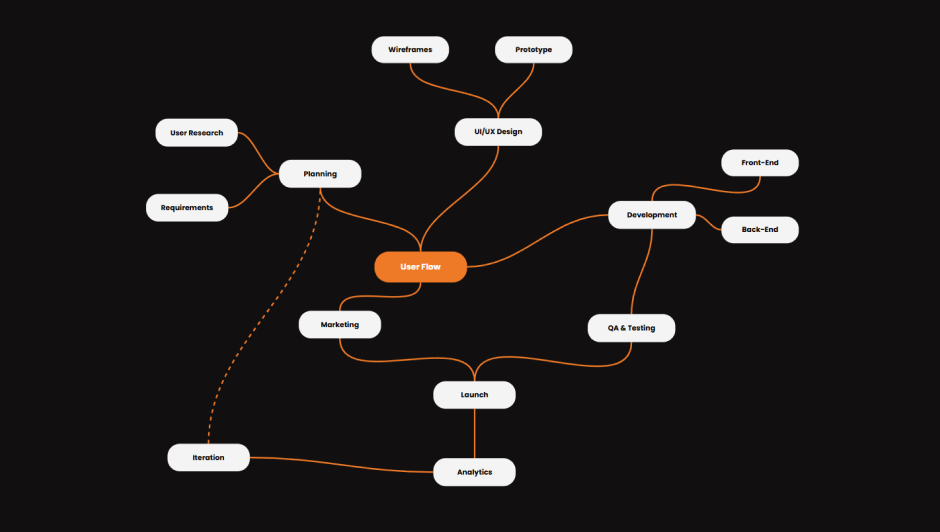
Mind Map Tool
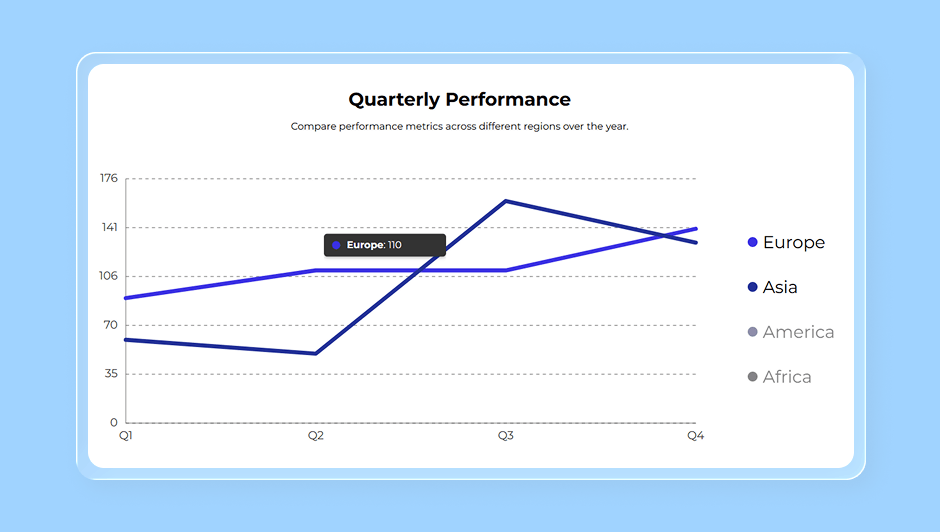
Line Chart with Checkboxes
Fully interactive. Fully customizable. Ready to publish.
From Idea to Interactive Experience in Minutes
Describe your goal. AI Interactive Builder plans, builds, and prepares your experience for launch.
Describe Your Idea
Tell AI what you want to create using natural language.
AI Plans and Builds
AI generates the structure, components, logic, and user flow.
Review and Refine
Edit the content, design, interactions, and logic before launch.
Publish and Scale
Launch across channels and reuse your experience in future campaigns.
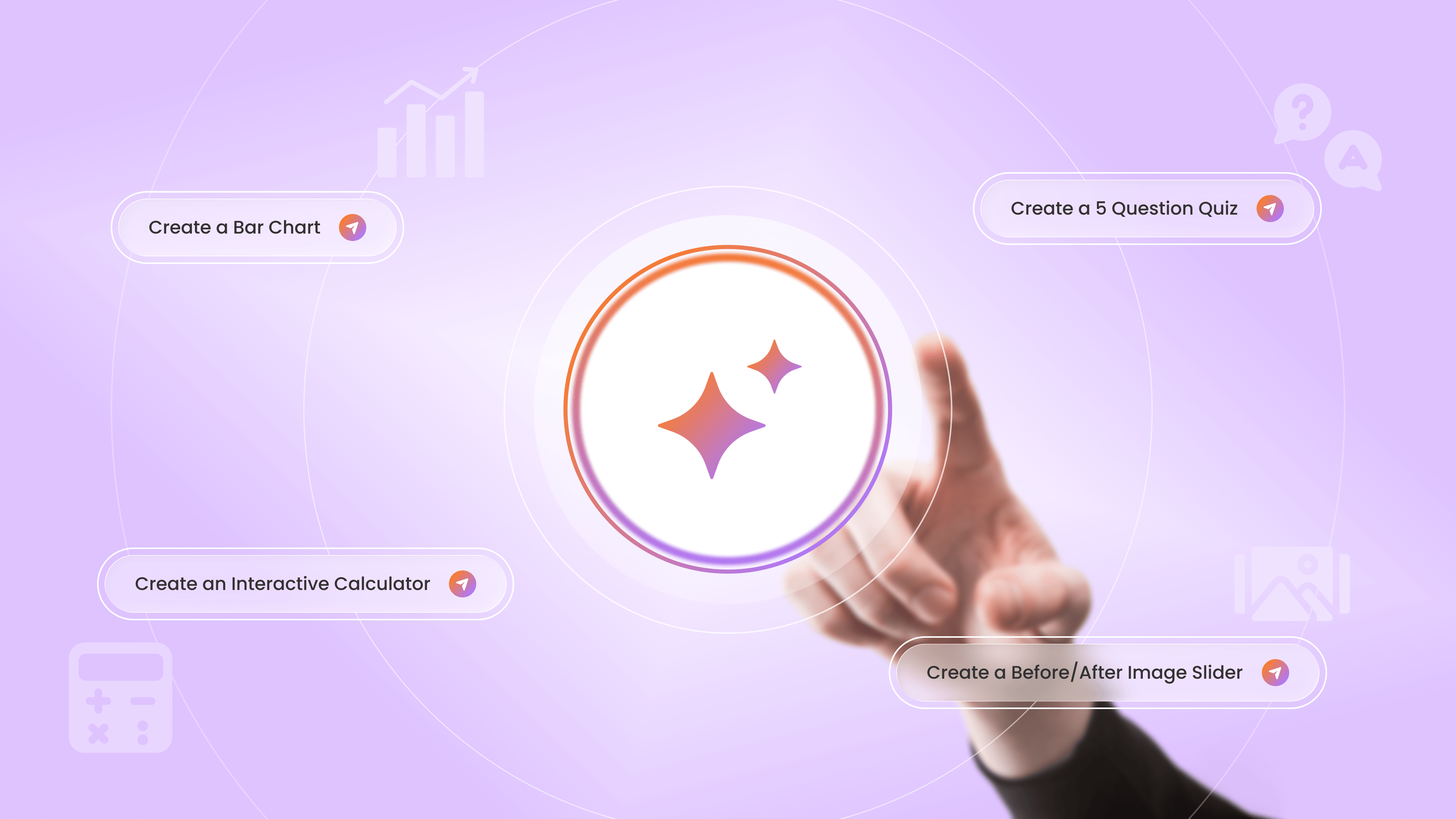
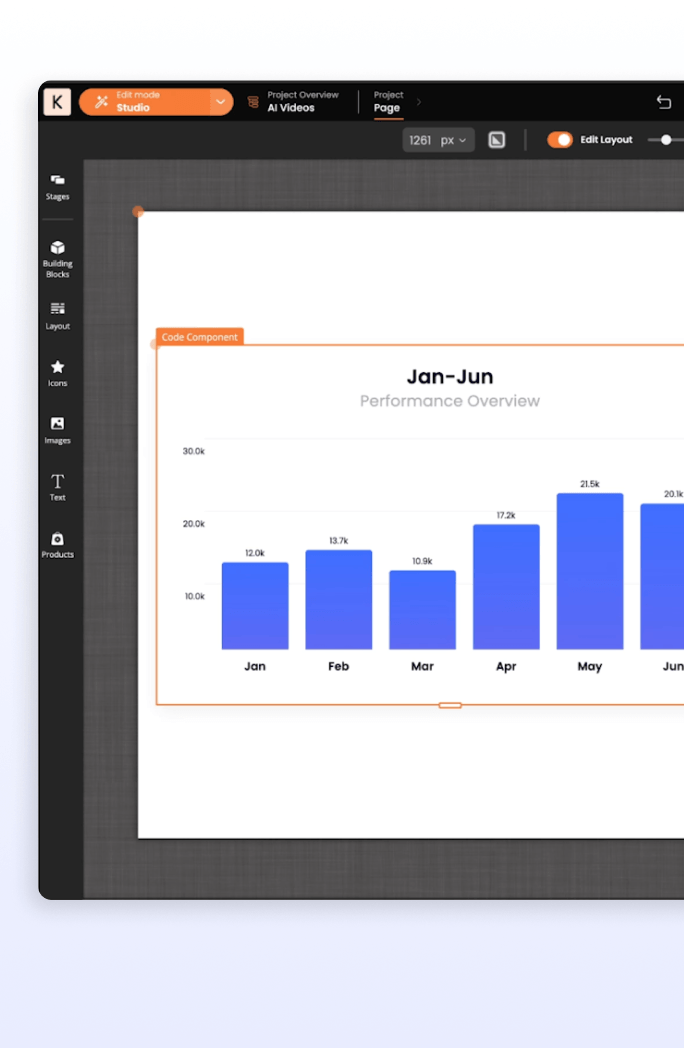
Create a Bar Chart
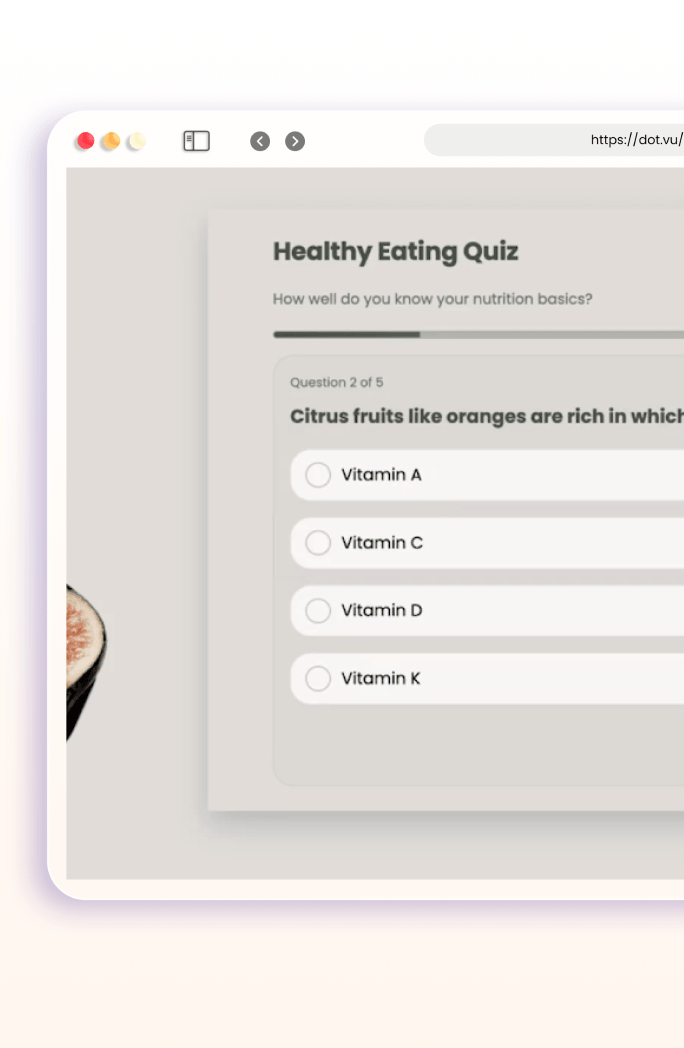
Create a 5 Question Quiz
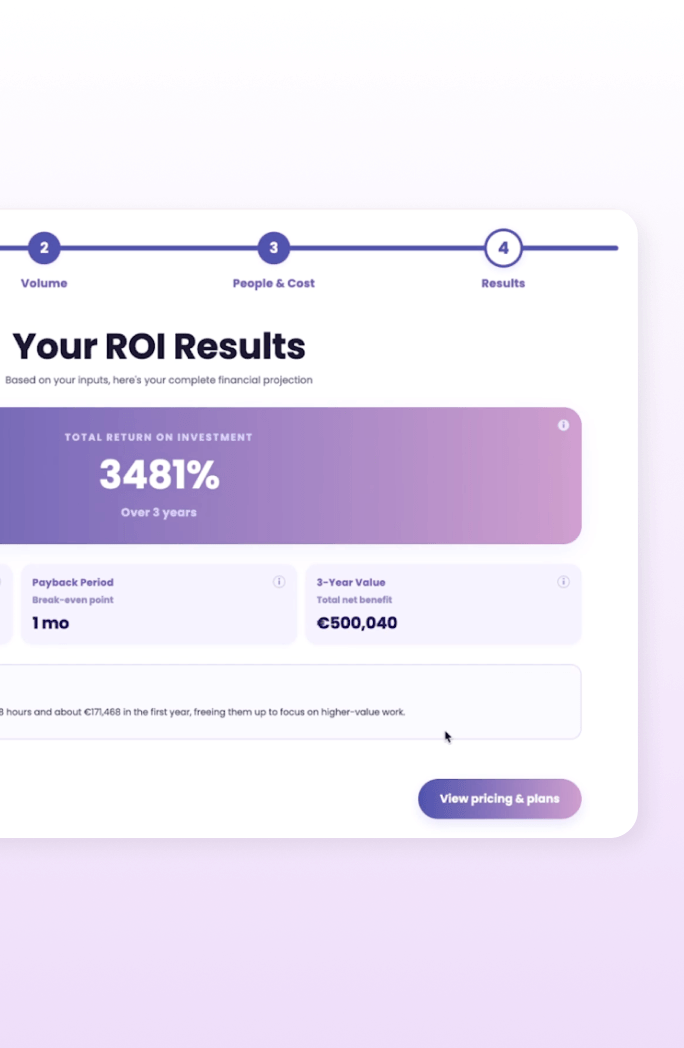
Create an Interactive Calculator

Create a Before/After Image Slider
Create a Bar Chart
Create a 5 Question Quiz
Create an Interactive Calculator
Create a Before/After Image Slider
More Than AI Generation
AI Interactive Builder creates complete Interactive Experiences, not isolated content.
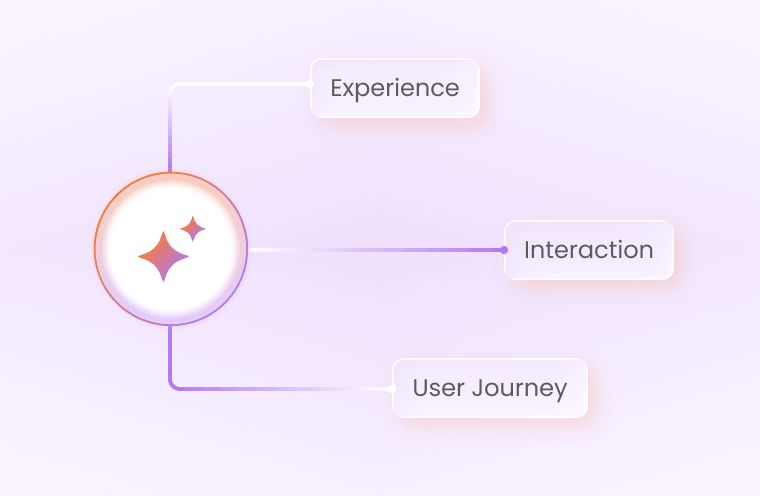
Plans Beyond Content
AI structures the experience, recommends interactions, and builds the user journey.
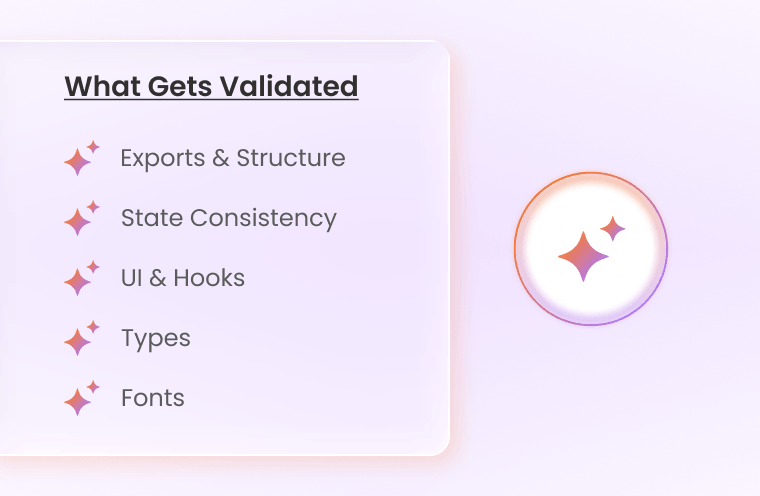
Reviews Before Delivery
Built-in validation checks generated components and reduces manual fixes.
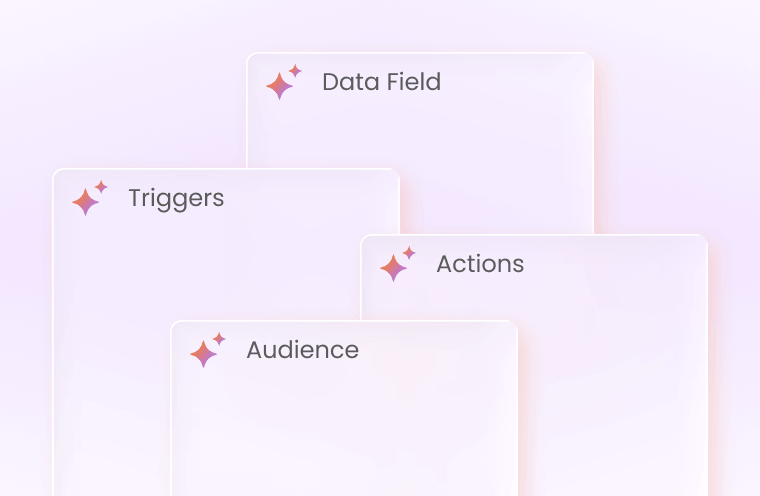
Shows You Everything
Inspect data fields, triggers, actions, and audience logic before publishing.
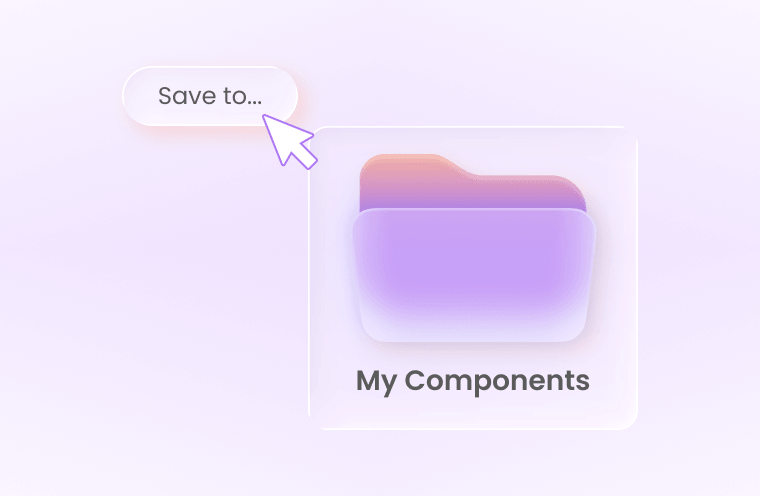
Built for Reuse
Save components and apply them across teams, projects, and campaigns.
AI Builds the Start. You Shape the Rest.
Refine every detail to match your brand, audience, and goals.
AI accelerates creation. You stay in control.
Create Experiences That Deliver Results
Turn audience participation into leads, insights, and conversions.
Generate Qualified Leads
Capture valuable prospect information through engaging Interactive Experiences.

Personalize Every Journey
Guide visitors toward relevant products, content, and recommendations.

Collect Zero-Party Data
Gather customer preferences directly through quizzes, assessments, and product finders.

Increase Engagement
Encourage active participation and keep audiences engaged for longer.

Improve Conversions
Reduce friction and help customers make confident decisions.

Built for Enterprise Teams. Ready to Scale.
Create faster while keeping every team, campaign, and brand consistent.

Brand-Aware Generation
Apply your brand identity across AI-generated experiences.

Guide every journey
Build together with shared components and workflows.

Increase relevance
Publish or embed experiences across digital channels.

Analytics
Track engagement, conversions, and audience behavior.

Integrations
Connect with your CRM, CMS, and existing marketing stack.

Enterprise Scalability
Reuse experiences and components without rebuilding from scratch.
Enterprise-Grade Security & Privacy


Frequently Asked Questions
Everything you need to know about the Dot.vu AI Interactive Builder.
The Dot.vu AI Interactive Builder is an AI-powered creator that generates customizable Interactive Components and Experiences from a prompt.
It can create quizzes, forms, calculators, games, assessments, product recommenders, and more.
No. The AI Interactive Builder is no-code and designed for marketers, designers, and non-technical users.
Everything generated becomes editable inside Dot.vu Studio.
It can create both individual components and complete Interactive Experiences, including quizzes, assessments, calculators, product recommenders, games, forms, landing pages, and more.
It can also create custom logic, calculations, interactions, settings, actions, and triggers.
Use AI Customization when an existing Building Block already provides most of what you need.
Use AI Interactive Builder when you want to create something new or need more custom functionality, logic, or interactions.
Starting with an existing Building Block will generally use fewer AI Credits.
Yes. Once generated, your component or experience becomes fully editable inside Dot.vu Studio.
You can update the content, design, settings, logic, and functionality manually or continue using AI.
You can continue working with the AI to refine it.
Tell the AI what you want to keep, change, add, or remove. If the overall direction is right, refining the existing result is usually more efficient than starting over.
Yes. You can use the AI conversationally to explore ideas, clarify requirements, or decide what type of Interactive Experience would work best before asking it to build.
Dot.vu prioritizes security and privacy.
Customer data is not used to train AI models, and data stays within your Dot.vu account.
Yes. Always preview and test the final experience before publishing.
Check relevant content, logic, calculations, actions, triggers, data collection, and responsive behavior.
Yes. You can save AI-generated components as reusable Building Blocks inside Dot.vu Studio.
You can then reuse and customize them in future projects instead of rebuilding the same functionality from scratch.
No questions available.
AI Credits are used whenever you use AI-powered features in Dot.vu, including AI Interactive Builder and AI Customization.
The number of credits used depends on the amount of AI processing required for your request.
No. AI Credit Usage depends on the amount of AI processing required.
Simple tasks generally use fewer credits, while complex builds or modifications use more.
Yes. Conversations with the AI use AI Credits.
However, discussing an idea or refining requirements generally uses fewer credits than generating or substantially modifying a component.
Start with an existing Building Block where possible, give AI clear requirements, and refine good results instead of repeatedly starting over.
For simple content or design changes, editing directly in Dot.vu Studio may be more efficient.
Yes. Dot.vu subscriptions include Monthly AI Credits for using AI-powered features.
Monthly AI Credits refresh at the start of every month and don’t roll over.
You can request Additional AI Credits when you need more for larger projects or higher AI usage.
Additional AI Credits don’t expire and remain available until they’re used.
No questions available.
Yes. You can publish Interactive Experiences through website embeds, pop-ups, microsites, QR codes, direct links, and landing pages.
Dot.vu experiences are fully responsive and can be shared across channels.
Yes. AI-generated experiences work within Dot.vu Studio and can connect with supported CRM integrations, marketing automation tools, analytics, Product Catalogs, and other Dot.vu functionality.
You can publish your experience using a JavaScript embed code, WordPress shortcode, or shareable link.
Copy the relevant option from the Publish section in Dot.vu Studio and add it to your website.
Yes. You can control width, responsive behavior, spacing, backgrounds, and display behavior.
You can also style the surrounding container using your website’s own CSS where needed.
Yes. Dot.vu analytics continue working when your Interactive Experience is embedded on an external website.
You can track performance and interactions directly inside Dot.vu.
AI-generated components work within the Dot.vu Studio ecosystem and can be used across Interactive Presentations, Flipbooks, quizzes, landing pages, and other experiences.
No questions available.
Ready to Create With AI?
Start with an idea and turn it into an Interactive Experience.
Create an Interactive Experience for my next campaign...
© 2026 Dot Marketing ApS. All rights reserved.